Centos7에 프록시 서버 설정하기
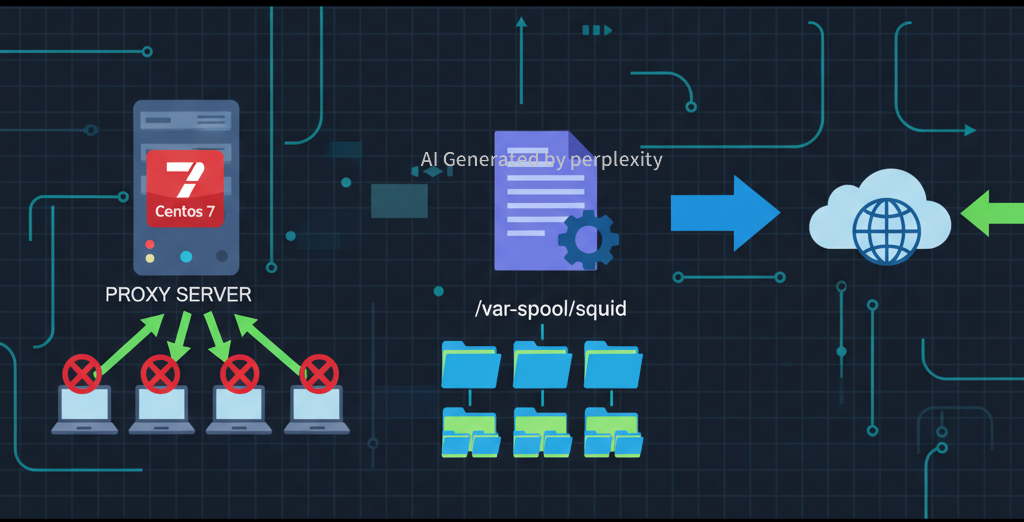
- Squid 패키지 설치
$> yum install -y squid - 설정파일 확인
$> vi /etc/squid/squid.conf ... acl 정책이름 (소스정보/목적지정보) (ip/class) acl proxy_net src 127.0.0.1/32 acl proxy_net src 1.2.3.4/24 * proxy_net이라는 정책으로, 소스IP가 127.0.0.1, 1.2.3.4에 대해서 적용 ... #ACL설정방법 http_access 적용방법 정책명 http_access allow proxy_net http_access deny all * 정책명이 proxy_net인 정보를 제외하고 모두 거부 ... #프록시 접근포트 http_port 8080 #캐쉬정보 cache_dir ufs /dev/shm/squid 100 5 10 #덤프파일 경로 coredump_dir /dev/shm/squid #캐쉬데이터 보관주기 refresh_pattern . 5 20% 360 #5분동안 20%의 예전데이터를 보관하고 최대 360분까지 캐쉬데이터를 보관. -
서비스 활성화
$> systemctl enable squid --now -
디렉토리 구조 설명
- /var/spool/squid 디렉토리에 최대 100M까지 1차로 생성하는 디렉토리는 5개까지, 2차 디렉토리는 10개까지 설정
- 기본값은 1차는 16개까지, 2차는 256개까지 생성하는 값
- 디렉토리 구조는 다음과 같이 생성된다
$> ls -l /var/spool/squid/
/var/spool/squid/00
/var/spool/squid/00/00
/var/spool/squid/00/01
/var/spool/squid/00/02
/var/spool/squid/00/03
…
/var/spool/squid/00/09
/var/spool/squid/01
/var/spool/squid/01/00
/var/spool/squid/01/01
/var/spool/squid/01/02
/var/spool/squid/01/03
…
/var/spool/squid/01/09