05. YAML로 PostgreSQL 클러스터 생성
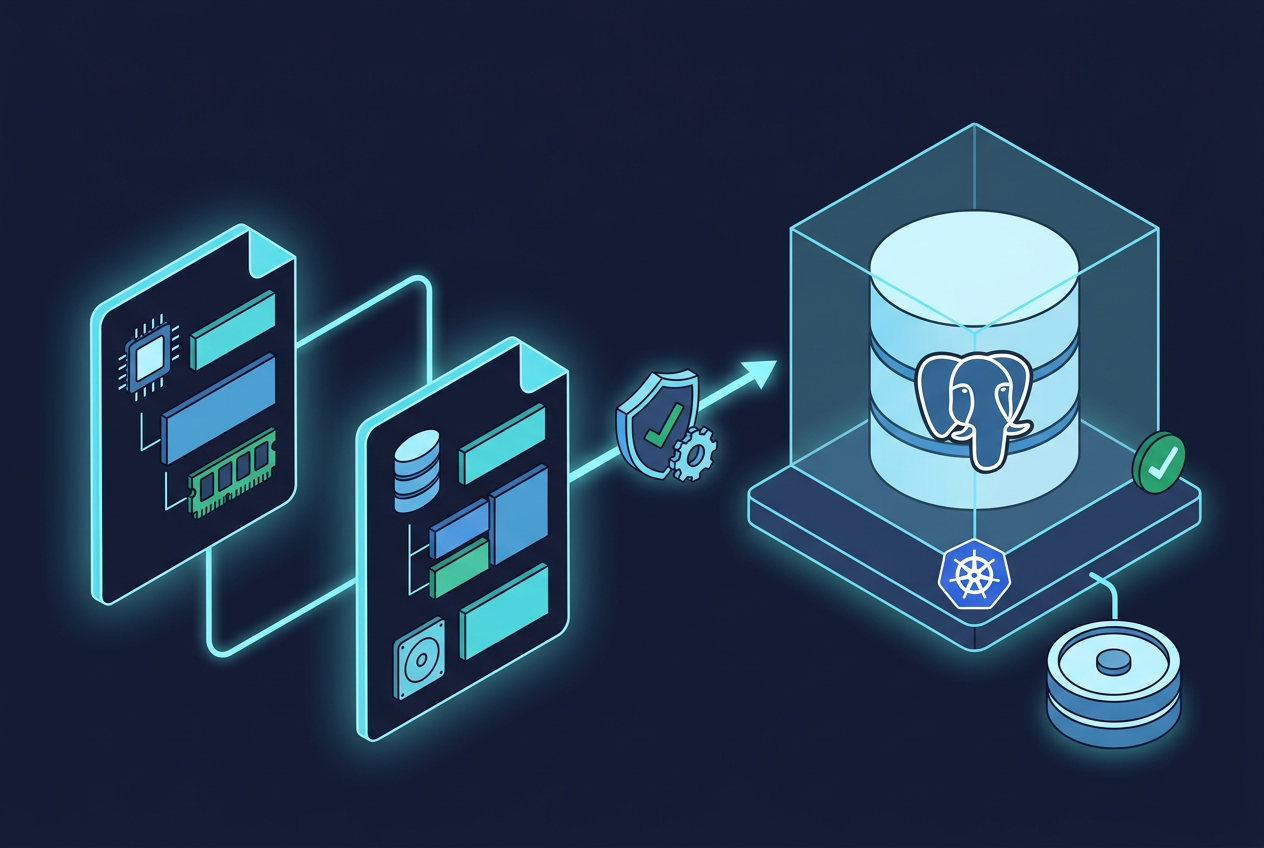
1. 생성할 구성
YAML로 단일 인스턴스를 생성합니다. UI 구성과 구분하도록 이름은 demo-db-yaml로 지정합니다.
| 항목 | 설정 |
|---|---|
| Namespace | postgres |
| 클러스터 이름 | demo-db-yaml |
| 인스턴스 프로파일 | demo-profile |
| PostgreSQL 버전 | 이전 작업에서 확인한 지원 버전 |
| 인스턴스 수 | 1 |
| CPU·메모리 | 2 CPU·4Gi |
| 디스크 | 5Gi |
| StorageClass | 실제 환경값 |
SGInstanceProfile·SGCluster만 선언하고, PostgreSQL·커넥션 풀 설정은 기본값을 사용합니다.
2. 변수와 Namespace 준비
export K8S_CONTEXT="$(kubectl config current-context)"
export DB_NAMESPACE="postgres"
export DB_CLUSTER="demo-db-yaml"
export DB_PROFILE="demo-profile"

export PG_VERSION="<지원되는-PostgreSQL-버전>"
export STORAGE_CLASS="<실제-StorageClass-이름>"
PostgreSQL 버전·StorageClass를 실제 값으로 바꾸고 환경을 확인합니다.
kubectl --context "$K8S_CONTEXT" get namespace "$DB_NAMESPACE"

kubectl --context "$K8S_CONTEXT" get storageclass
Namespace가 없으면 생성합니다.
kubectl --context "$K8S_CONTEXT" create namespace "$DB_NAMESPACE"
기존 클러스터를 확인합니다.
kubectl --context "$K8S_CONTEXT" get sgclusters \
  --namespace "$DB_NAMESPACE"
같은 이름이 있으면 이름을 바꾸거나 기존 설정을 확인합니다.
작업 디렉터리를 생성합니다.
mkdir -p stackgres-cluster
cd stackgres-cluster
3. 인스턴스 프로파일 작성
CPU·메모리를 정의합니다.
cat > 01-instance-profile.yaml <<EOF
apiVersion: stackgres.io/v1
kind: SGInstanceProfile
metadata:
  name: ${DB_PROFILE}
  namespace: ${DB_NAMESPACE}
spec:
  cpu: "2"
  memory: "4Gi"
EOF
2 CPU·4Gi는 예시이며 운영 용량 기준은 아닙니다. 보조 컨테이너를 포함한 Pod의 실제 Requests·Limits는 생성 후 확인합니다.
4. SGCluster 작성
cat > 02-cluster.yaml <<EOF
apiVersion: stackgres.io/v1
kind: SGCluster
metadata:
  name: ${DB_CLUSTER}
  namespace: ${DB_NAMESPACE}
spec:
  instances: 1
  postgres:
    version: "${PG_VERSION}"
  sgInstanceProfile: ${DB_PROFILE}
  pods:
    persistentVolume:
      size: "5Gi"
      storageClass: "${STORAGE_CLASS}"
EOF
| 설정 | 의미 |
|---|---|
| instances | PostgreSQL 인스턴스 수 |
| postgres.version | PostgreSQL 버전 |
| sgInstanceProfile | 인스턴스 프로파일 참조 |
| persistentVolume.size | 인스턴스별 디스크 용량 |
| persistentVolume.storageClass | StorageClass |
프로파일과 클러스터는 같은 Namespace에 생성합니다.
파일을 확인하고 예시 문자열·잘못된 환경값을 수정합니다.
cat 01-instance-profile.yaml
cat 02-cluster.yaml
5. YAML 적용
프로파일을 먼저 적용합니다.
kubectl --context "$K8S_CONTEXT" apply \
  -f 01-instance-profile.yaml
클러스터를 서버 측 dry-run으로 검증합니다.
kubectl --context "$K8S_CONTEXT" apply \
  --dry-run=server \
  -f 02-cluster.yaml
성공하면 적용합니다.
kubectl --context "$K8S_CONTEXT" apply \
  -f 02-cluster.yaml
dry-run은 API 검증이며 이미지 다운로드·스토리지 할당을 보장하지 않습니다.
6. 생성 상태 확인
kubectl --context "$K8S_CONTEXT" get sgcluster "$DB_CLUSTER" \
  --namespace "$DB_NAMESPACE"

kubectl --context "$K8S_CONTEXT" get pods \
  --namespace "$DB_NAMESPACE" \
  -o wide