Centos8에서 nic 이름 변경
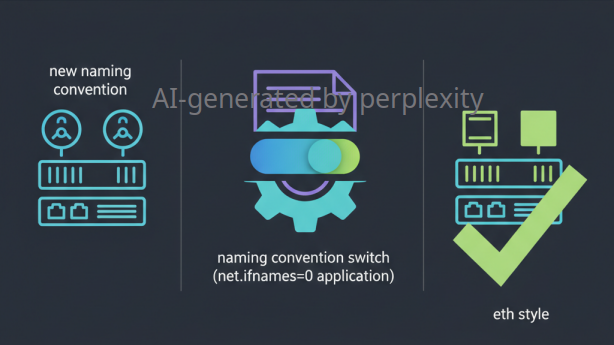
- NIC이름이 eno1, ens1 이런식으로 인식하는 경우가 있는데, 해당 장치정보 사용하지 않고 eth0, eth1... ethX로 변경할 수 있는 방법
- 커널값 적용
$> grubby --update-kernel ALL --args net.ifnames=0 $> cat /etc/default/grub ... GRUB_CMDLINE_LINUX="resume=UUID=da0bac52-eef8-413d-ba2b-904962752f57 rhgb quiet selinux=0 net.ifnames=0" ... - 기존에 설정된 NIC정보
$> ifconfig -a ens3f0: flags=4163<UP,BROADCAST,RUNNING,MULTICAST> mtu 1500 inet 192.168.10.100 netmask 255.255.255.255 broadcast 0.0.0.0 ether 52:54:00:b1:17:18 txqueuelen 1000 (Ethernet) RX packets 1299631 bytes 97471826 (92.9 MiB) RX errors 0 dropped 18 overruns 0 frame 0 TX packets 10224 bytes 12704712 (12.1 MiB) TX errors 0 dropped 0 overruns 0 carrier 0 collisions 0 - 서버 재부팅 후 NIC정보 확인
$> ifconfig
eth0: flags=6211<UP,BROADCAST,RUNNING,SLAVE,MULTICAST>  mtu 1500
        inet 192.168.10.10  netmask 255.255.255.0  broadcast 192.168.10.255
        ether 52:54:00:b1:17:18  txqueuelen 1000  (Ethernet)
        RX packets 55605  bytes 4171181 (3.9 MiB)
        RX errors 0  dropped 0  overruns 0  frame 0
        TX packets 262  bytes 38336 (37.4 KiB)
        TX errors 0  dropped 0 overruns 0  carrier 0  collisions 0