centos에서 NIC 브릿지 인터페이스 구성
소개
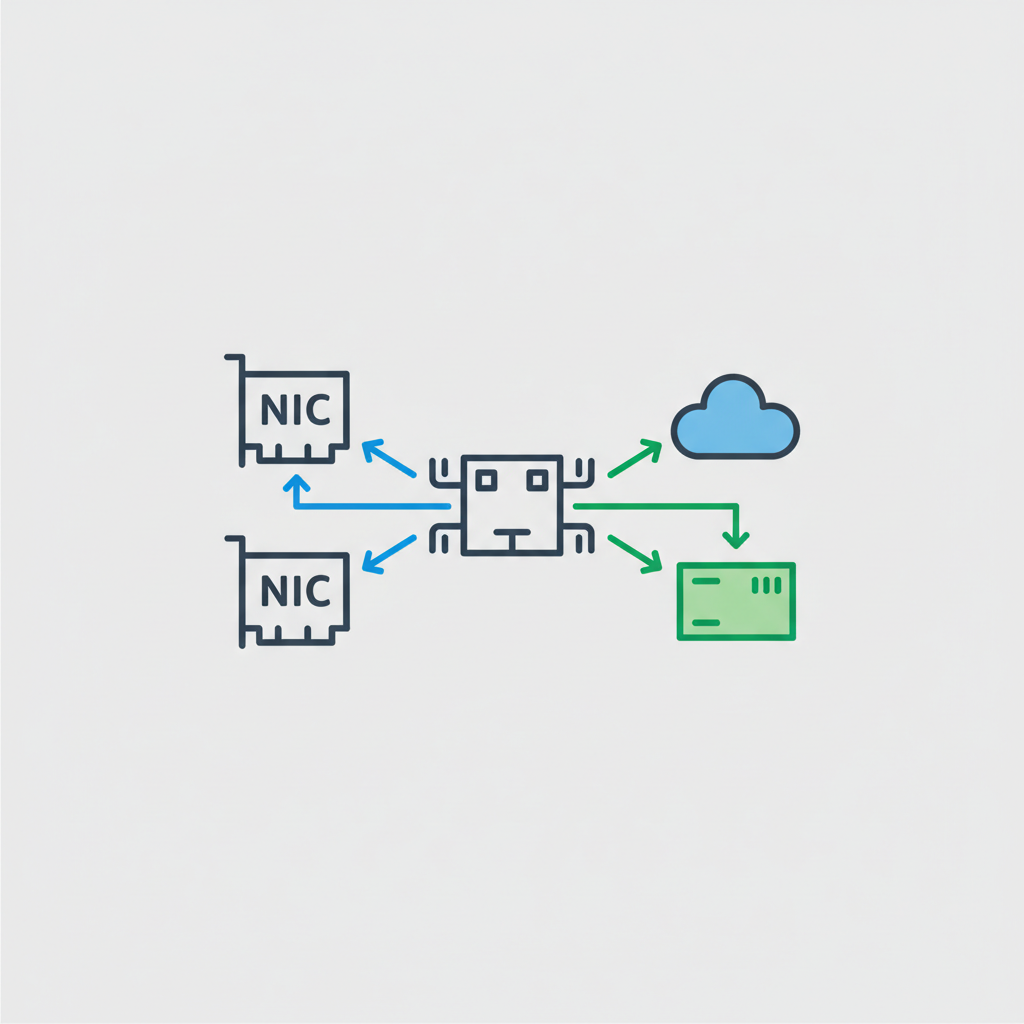
Bridge는 두개의 Network을 하나처럼 쓸때 사용하고 Linux머신에서 두개의 NIC가 꽂혀 있을 때 다음과 같이 설정한다. 두개의 NIC를 eth0, eth1로 구성되어 있고 br0라는 bridge를 만든다.
설정
- Bridge Device 생성
$> vi /etc/sysconfig/network-script/ifcfg-br0 DEVICE=br0 ONBOOT=on TYPE=Bridge BOOTPROTO=static IPADDR=192.168.1.2 NETMASK=255.255.255.0 USRCTL=no - 물리 Device 설정
- eth0 브릿지 설정
$> vi /etc/sysconfig/network-script/ifcfg-eth1 DEVICE=eth1 ONBOOT=yes BOOTPROTO=none BRIDGE=br0 USRCTL=no - eth1 브릿지 설정
$> vi /etc/sysconfig/network-script/ifcfg-eth1 DEVICE=eth1 ONBOOT=yes BOOTPROTO=none BRIDGE=br0 USRCTL=no - ip_forward 설정
$> vi /etc/sysctl.conf net.ipv4.ip_forward = 1 - Bridge 적용 확인
$> brctl show
bridge name    bridge id                STP enabled    interfaces
br0                 8000.0800271b0b5f    no                   eth1
                                                              eth0