Centos5에서 dovecot 설치하기
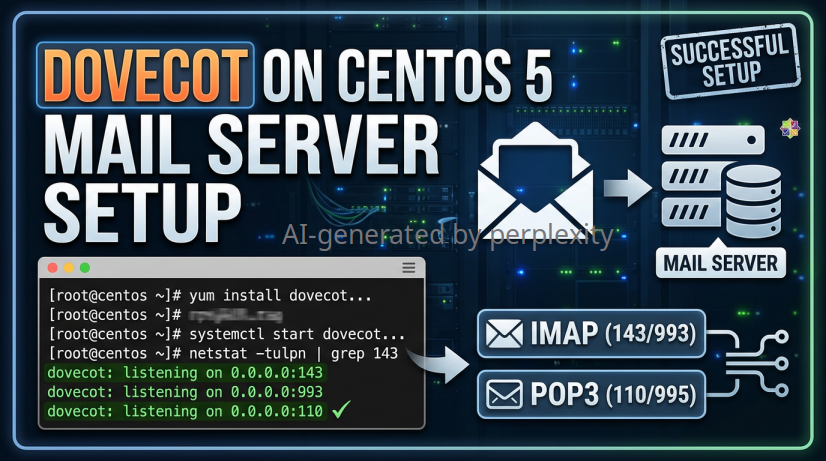
Dovecot 설치 및 POP3/IMAP 설정 (CentOS 5.x)
Info
이 문서는 CentOS 5.x 및 당시 기본 제공되던 Dovecot 1.0 계열 기준의 기록이다.
CentOS 5는 지원 종료(EOL)된 운영체제이며, 아래의 POP3(110)·IMAP(143) 평문 구성은 운영 환경에 사용하지 않는다.
현재 환경에서는 지원 중인 OS와 Dovecot 2.x/3.x를 사용하고, TLS 기반 POP3S(995) 또는 IMAPS(993)를 구성한다.
Dovecot은 Mail Transfer Agent(MTA)가 전달한 메일을 사용자가 POP3 또는 IMAP으로 조회할 수 있도록 제공하는 메일 접근 서버이다.
-
Dovecot 패키지 설치
$> yum install -y dovecot설치된 패키지 정보를 확인한다.
$> rpm -qi dovecot -
Dovecot 설정
- CentOS 5.x의 기본 설정 파일은 /etc/dovecot.conf이다.
$> vi /etc/dovecot.conf -
사용할 프로토콜을 지정한다.
... protocols = imap pop3 - imap: TCP 143 포트의 평문 IMAP - pop3: TCP 110 포트의 평문 POP3 - imaps: TCP 993 포트의 TLS/SSL IMAP - pop3s: TCP 995 포트의 TLS/SSL POP3 -
모든 IPv4 인터페이스에서 수신하려면 다음 설정을 적용한다.
listen = * -
특정 IP에서만 서비스하려면 와일드카드 대신 서버 IP를 명시한다.
listen = 192.168.10.10

* 설정 예시는 다음과 같다.
protocols = imap pop3
listen = *
- CentOS 5.x의 기본 설정 파일은 /etc/dovecot.conf이다.
-
서비스 활성화 및 시작
- CentOS 5.x는 SysV init 기반이므로 chkconfig와 init 스크립트를 사용한다.
$> chkconfig dovecot on $> service dovecot start - 또는 다음 명령도 사용할 수 있다.
$> /etc/init.d/dovecot start
- CentOS 5.x는 SysV init 기반이므로 chkconfig와 init 스크립트를 사용한다.
-
서비스 상태를 확인한다.
$> service dovecot status -
부팅 시 자동 시작 설정을 확인한다.
$> chkconfig --list dovecot dovecot 0:off 1:off 2:on 3:on 4:on 5:on 6:off -
포트 리슨 확인
-
POP3와 IMAP 포트가 리슨 상태인지 확인한다.
$> netstat -lntp | grep dovecot text tcp 0 0 0.0.0.0:110 0.0.0.0:* LISTEN 2102/dovecot tcp 0 0 0.0.0.0:143 0.0.0.0:* LISTEN 2102/dovecot- TCP 110: POP3
- TCP 143: IMAP
- PID는 시스템마다 다르므로 예시의 2102와 일치하지 않아도 된다.
-
-
POP3 접속 테스트
-
테스트 전에 로그인할 로컬 사용자 계정이 존재해야 하며, 해당 계정의 메일박스에 메일이 있어야 한다.
$> telnet localhost 110 -
정상적으로 연결되면 Dovecot POP3 배너가 출력된다.
+OK Dovecot ready. - 이후 사용자 인증과 메일 목록 조회를 수행한다.
USER test
+OK

PASS <비밀번호>
+OK Logged in.

LIST
+OK 13 messages:
1 5081
2 4230
.
-
-
첫 번째 메일을 조회한다.
RETR 1 +OK 5081 octets Return-Path: <sender@example.com> From: sender@example.com To: test@example.com Subject: Test mail 메일 본문 . -
테스트가 끝나면 연결을 종료한다.
QUIT +OK Logging out.- POP3의 USER, PASS, LIST, RETR, QUIT 명령은 대소문자를 구분하지 않는다. 단, 평문 POP3에서는 사용자 이름과 비밀번호가 네트워크에 노출될 수 있으므로 로컬 테스트 이외의 용도로 사용하지 않는다.
작성일: 2026년 7월 15일
,
마지막 업데이트: 2026년 8월 13일